
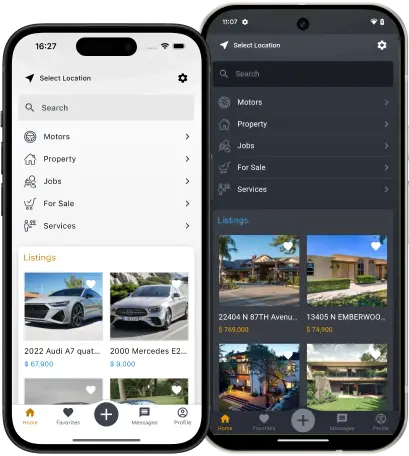
The Market Waits for No One!
Every year mobile app usage keeps growing, leaving desktop usage far behind. Soon, users will predominantly use their mobile devices for connecting to marketplaces. Pressed for time, we have to buy and sell things on the go, and mobile Apps give us that opportunity. Enjoy fully-fledged mobile environment support with our mobile Apps!
Having downloaded your App only once, your users will stay constantly connected to your marketplace. Built-in notifications for alerts and new messages will always keep them involved in your site activities. Your marketplace will be as close to your user as arm's reach. Accelerate sales and decision-making on your site with our mobile Apps!
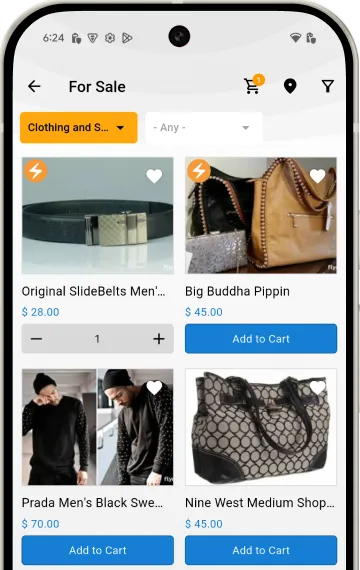
Shopping Cart Integration
Enable the Shopping Cart plugin for your site and App to turn your marketplace into a mobile e-commerce platform. The mobile app offers light shopping cart integration, giving users an easy way to buy and sell directly from their smartphones. They can add items to the cart, specify shipping options, pay through Stripe, and manage transactions in just a few taps - a simple solution for those who value mobility and convenience.
We continue to work on the module; in the near future, options for delivery, adding products through the application's personal account, and much more will be added.
Multilingual and Multicurrency Support
Our mobile Apps are designed for global reach, offering built-in multilingual and multicurrency support. The Apps come with a dozen popular languages preinstalled, and if yours isn’t included, you can easily translate the Apps using Google Translate or DeepL. Automatic translation extends even to text field values. You can also enable your local currency to make browsing and transactions more convenient. The Apps fully support RTL languages.
Automatic translation also applies to the content of text fields. You can enable multilingual support and auto-translation for any text field, and the text in these fields will be automatically translated into all languages. You can also enable your local currency to make browsing and shopping more convenient.
Quick Sign-Up
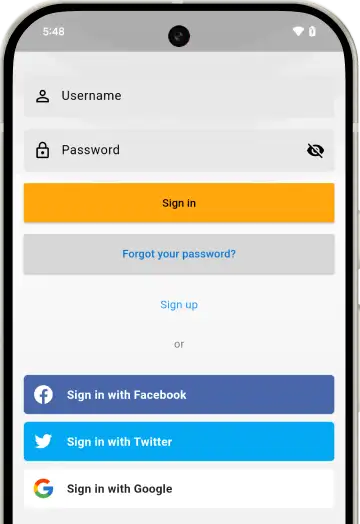
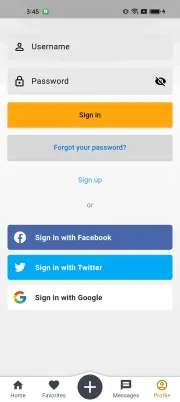
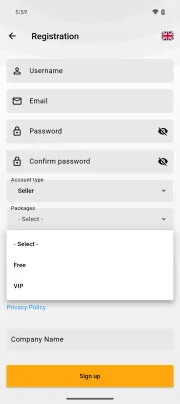
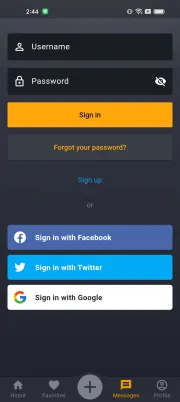
Our mobile App features a seamlessly integrated quick sign-up option, allowing users to effortlessly create an account using their social media credentials from Google, X, Facebook, Telegram, or Apple. Simply by selecting their preferred network and entering their login details, users can swiftly sign up for your marketplace.
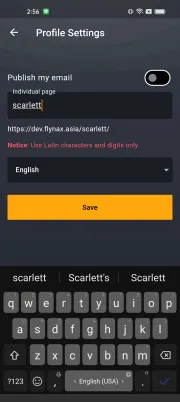
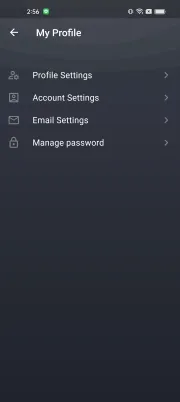
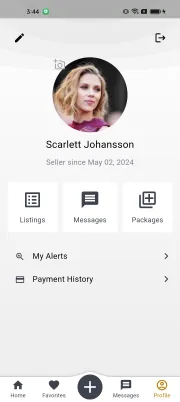
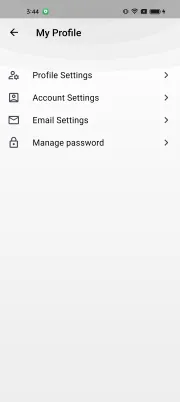
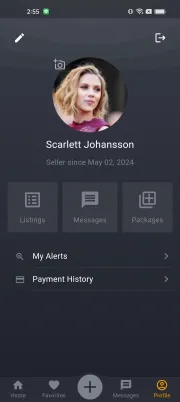
Once signed up, users can fully engage with your App’s functionalities. That is, manage profile and settings, add and manage their listings and goods, chat with other users and sell their items. Importantly, accounts created via quick sign-up are fully integrated, ensuring consistency and accessibility across both your marketplace site and the mobile applications.
Adding and Managing Listings
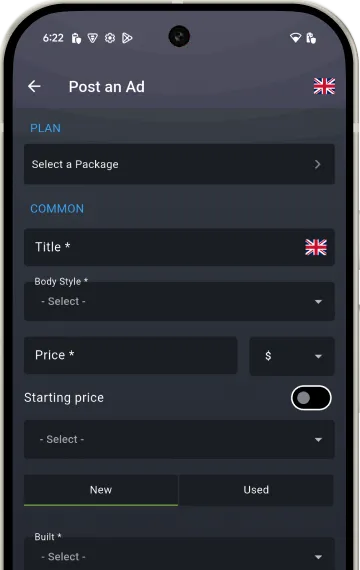
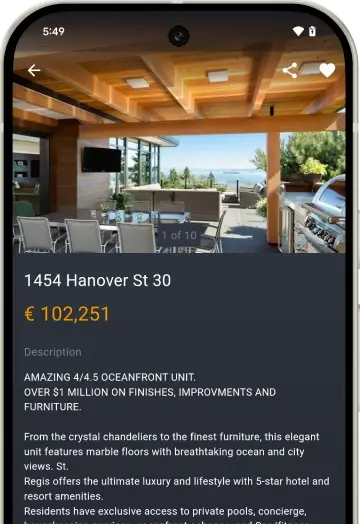
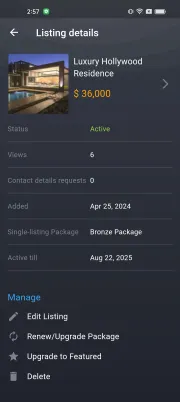
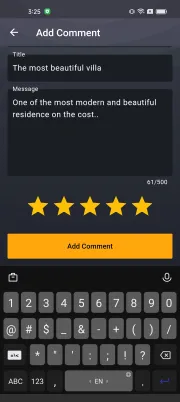
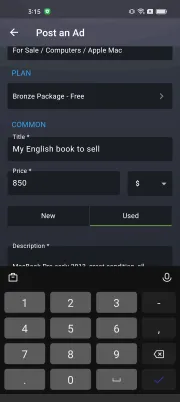
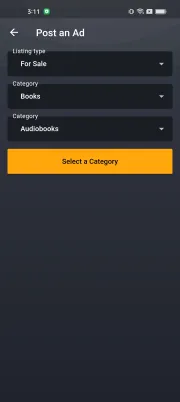
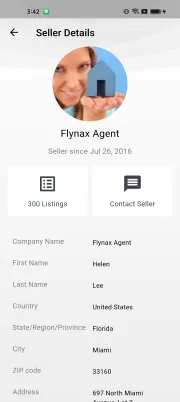
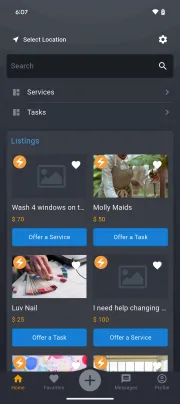
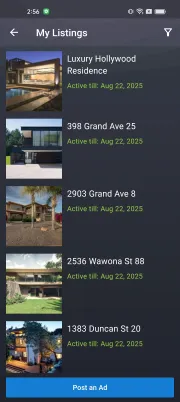
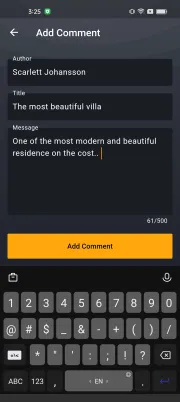
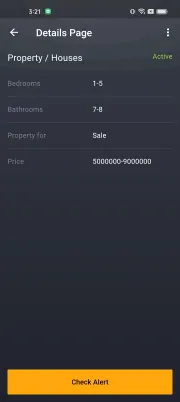
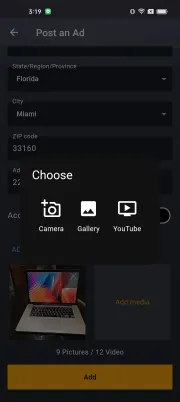
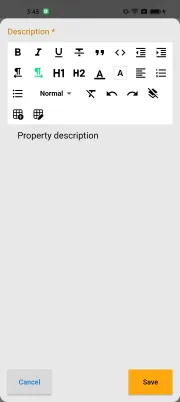
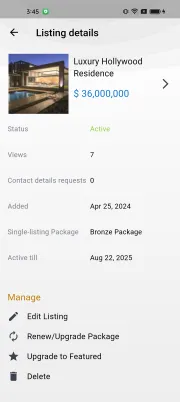
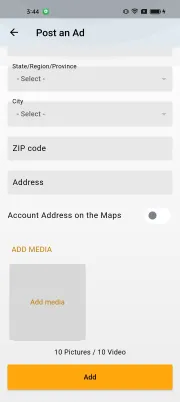
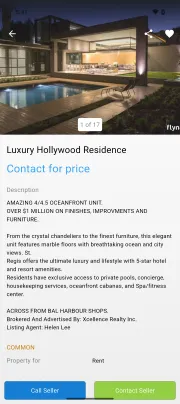
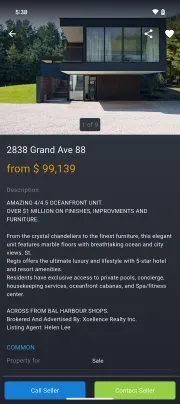
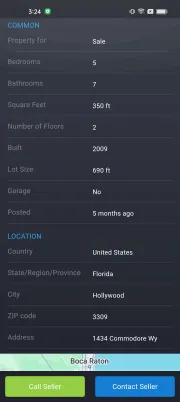
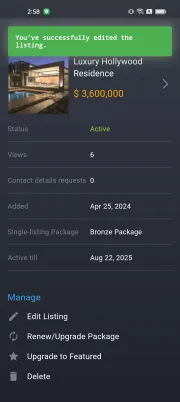
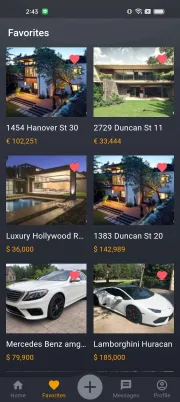
With the mobile App, users can carry your marketplace in their pockets, ready to add listings anytime, anywhere. Adding listings is quick and user-friendly; users can effortlessly enter details and upload photos and videos directly from their phone cameras. They can also manage listings added through both the App and website. The Listing Details page displays view counts and contact requests, providing more stats.
Thanks to the App’s direct connection to your marketplace database, listings added via the mobile app immediately appear on your marketplace, ensuring seamless integration and real-time updates.
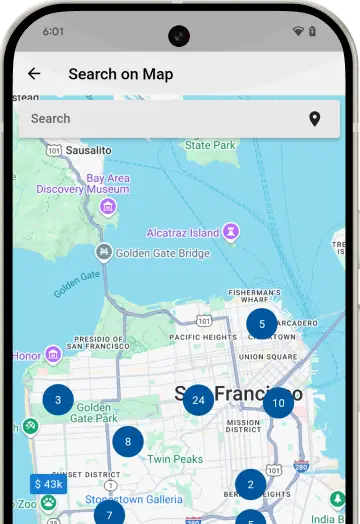
Search on Map
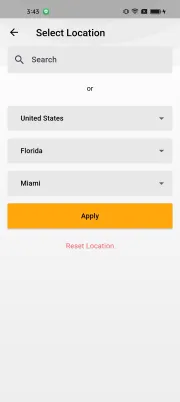
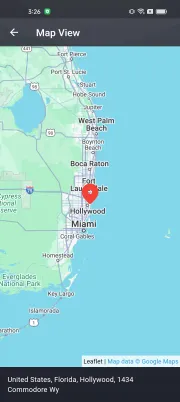
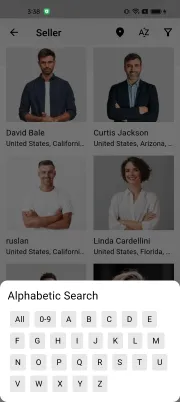
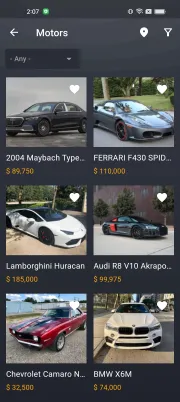
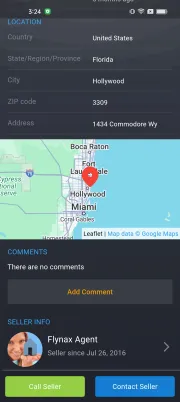
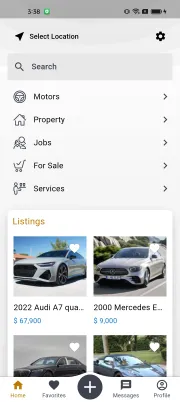
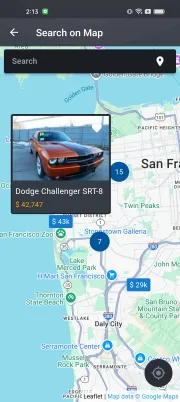
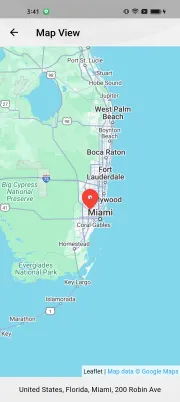
Considering the versatility of our built-in Search on Map module, it's a valuable addition to the mobile App as well. This feature, essential for all our current scripts, enables users to locate listings directly on a map. After browsing through listings within a specific category, users can simply tap the marker icon at the top of the screen to switch to a map view of those listings.
We provide free JS Interactive Maps, which you can set up from the admin panel. This Maps module allows extensive customization options including default zoom levels, starting location, tile provider choices, and more.
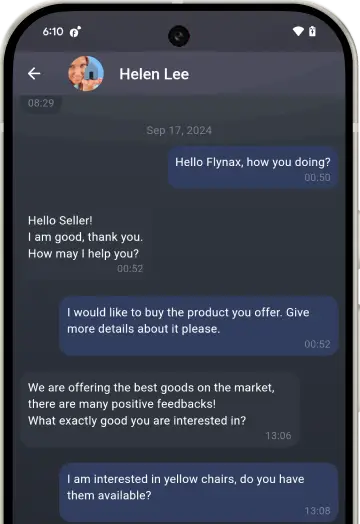
Messaging and Notifications
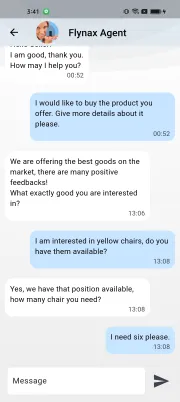
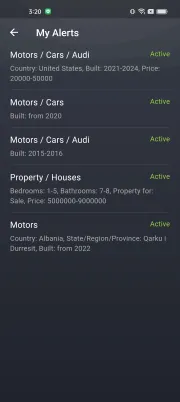
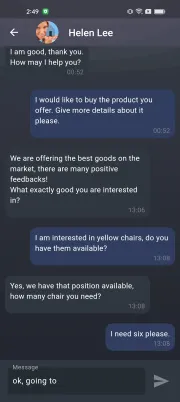
The App features a built-in messaging module that enables users to communicate with each other in a chat-like interface. When a user receives a new message, the mobile App immediately sends a Firebase-powered push notification, ensuring that no message goes unnoticed. Push notifications are also sent for alerts related to user-specific criteria, such as when new listings matching their search appear on your marketplace.
With push notifications, users will always be informed of new messages and new listings matching their criteria. This connection increases user engagement and keeps them up to date without having to constantly check their Apps.
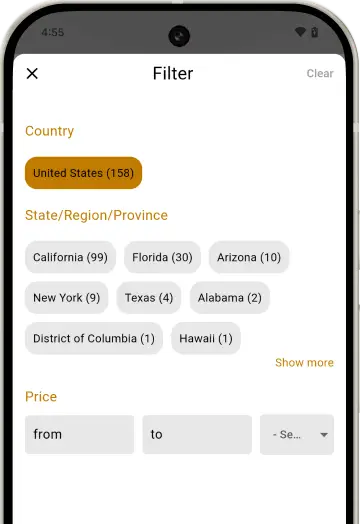
Filters
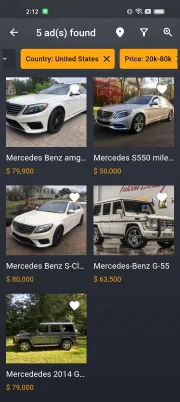
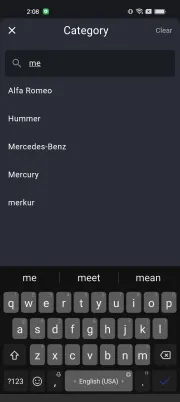
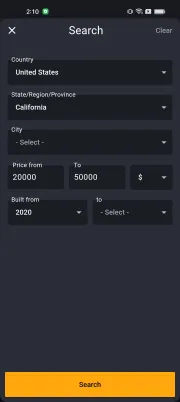
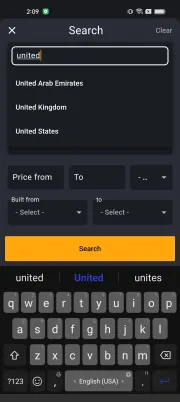
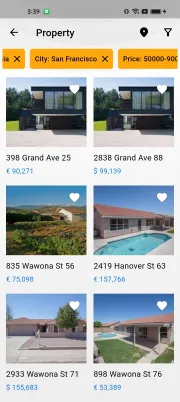
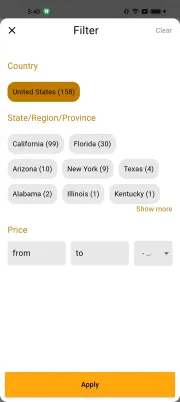
Tucked away behind a small icon at the top of the screen, the Filter module in your mobile App is a robust tool for filtering through numerous listings. This module mirrors the capabilities of the web-based Filter plugin, allowing configuration directly from your site’s admin panel. Once set up, it synchronizes seamlessly across both your marketplace and mobile App.
You can customize the Filter for different categories with fields tailored to each, ensuring a refined search experience. If the Filter plugin is not yet configured, the App offers a quick search form as an effective alternative.
Monetization and Gateways
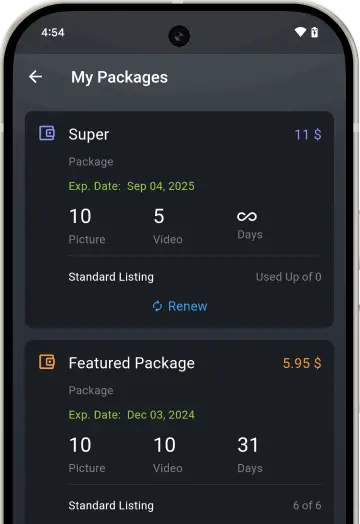
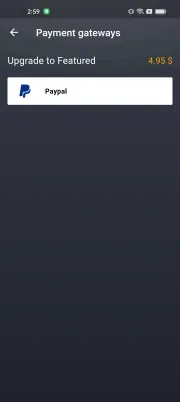
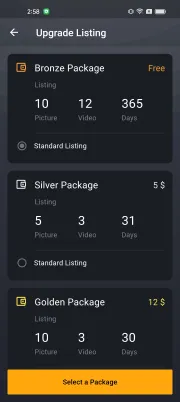
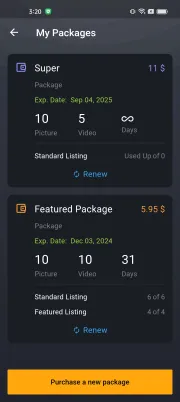
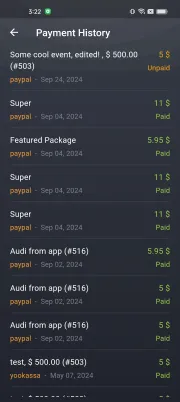
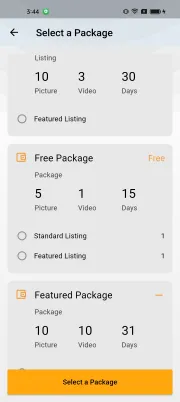
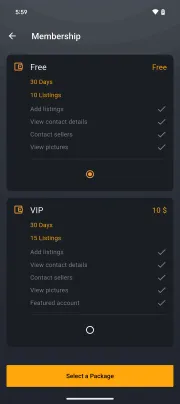
In addition to fully-fledged monetization in our web-based marketplace script, we also offer monetization in our mobile Apps. With the available monetization tools, you can collect payments for listing packages, enabling users to add listings to paid categories effortlessly. Additionally, users can purchase new packages and extend those that have expired, directly through the App.
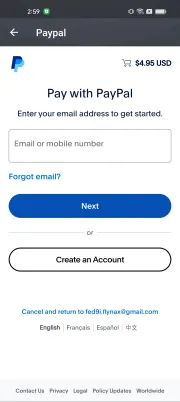
Currently, we offer PayPal as a pre-integrated payment gateway. We're working actively to add more payment gateways but if you have an urgent integration request we're ready to consider it on a custom basis.

Flutter Framework
We chose Flutter, a leading framework for developing mobile applications, due to its widespread popularity and efficiency.
Flutter enables developing and supporting a single source code on Dart language that compiles into iOS and Android Apps. This approach saves time and resources and significantly reduces development costs. Any customizations to the source code are reflected on both platforms simultaneously after compilation.
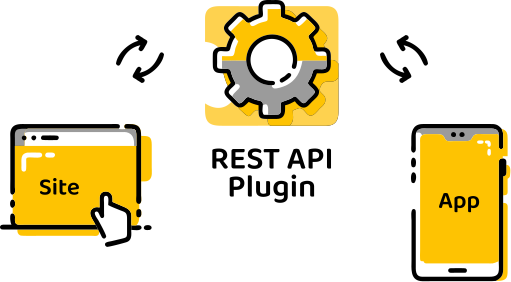
A Roadmap to Your Mobile App
- Install the web-based software license on your server
- Purchase licenses for iOS and Android Apps or either
- Sign up for developer accounts at Apple and Google App Stores
- Install free REST API and App Manager plugins with one click
- Send us your logo, App name, colors, and other details
- Play with a test App build and populate it with test listings
- Add descriptions to your App(s) listings before it gets approved
- Push the button to publish the App from your developer accounts
Screenshots
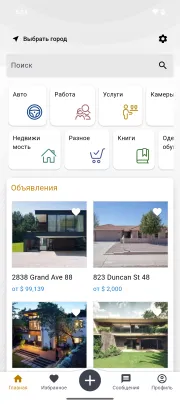
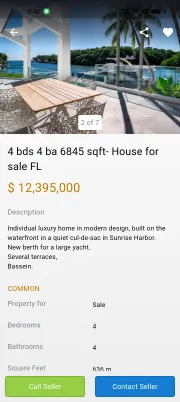
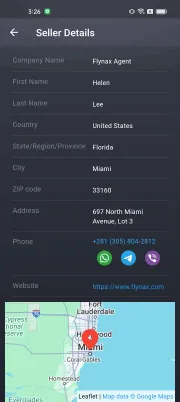
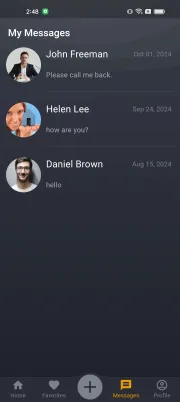
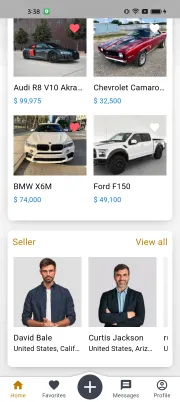



FAQs
Do you offer native mobile Apps?
Will mobile Apps have the Flynax logo?
How to request an App?
Do mobile Apps offer the functionality of the software?
What do I need to publish my Android App?
What do I need to publish my iOS App?
How to connect mobile Apps to a trial site
What language are your mobile Apps written in?
Can I run the mobile App without a site?
Can I get the App source code to modify it on my own?
Demos



Get your own Applications and attract more users

Your own logo and copyright
Your own app name
Custom colors at request
Direct connection to your site
Published under your store accounts
Two privately Labeled Apps for 390 USD
Your own logo, copyright, app name and direct connection to your sitePWA as Alternative
As a less expensive alternative to our native mobile Apps, we suggest looking at our Progressive Web Application. The PWA is a web wrapping for our software that imitates mobile Apps and offers a number of advantages over mobile Apps.
With the PWA you may use all the plugins available for the desktop solution. You don't need to purchase subscriptions to Apple and Google developer accounts. Your users will be able to install the PWA with one click, which will add an icon to their smartphones too.